Memes are a phenomenon of modern culture that is gaining more and more popularity on the Internet. Memes are funny pictures or videos that are shared on social networks and instant messengers. They can be used to express emotions, jokes and satire. Creating memes can be a simple and interesting process using a special free program. Meme-Generator: a program for creating memes.
What is Meme-Generator?
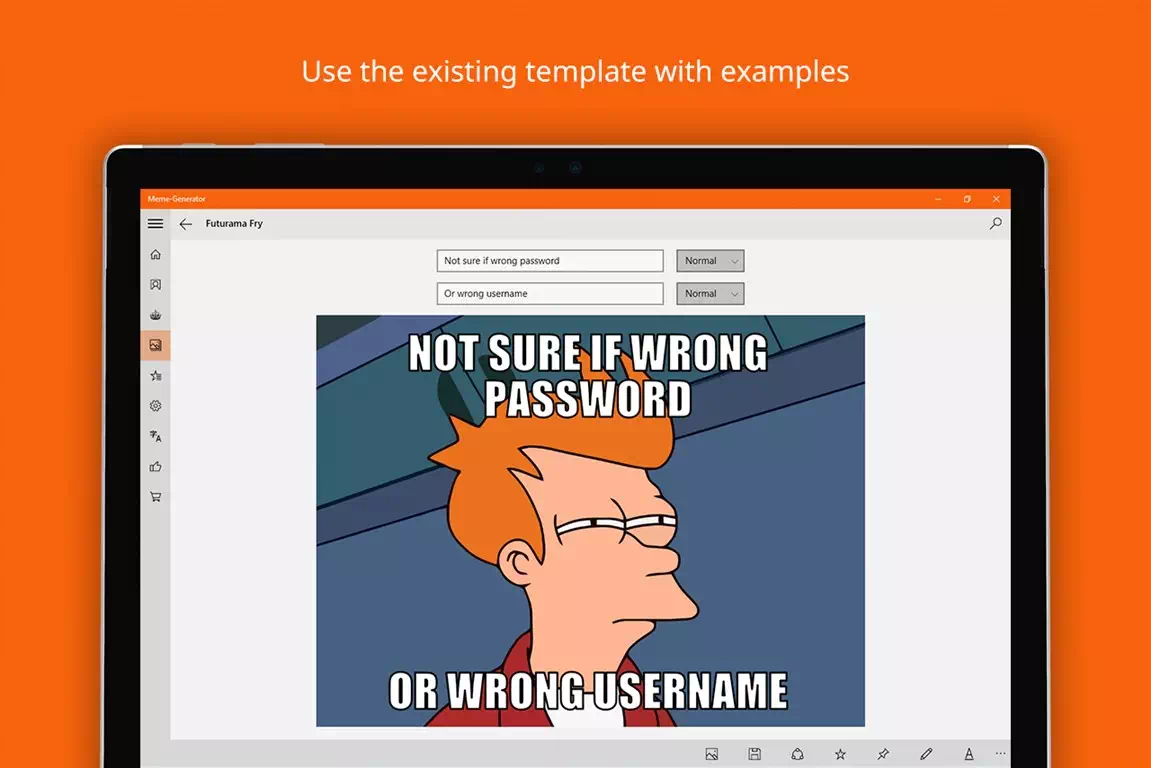
Meme-Generator is a meme generator program that allows users to create and customize memes with images and text. This free app is available to install on Windows and Mac, and it provides many tools for editing and customizing memes. Meme-Generator has a large library of meme templates that you can use as a base to create your own memes, and also allows you to upload your own images to use in memes. The application supports many popular languages, which makes it even more convenient and accessible for many users.
Meme Generator Features
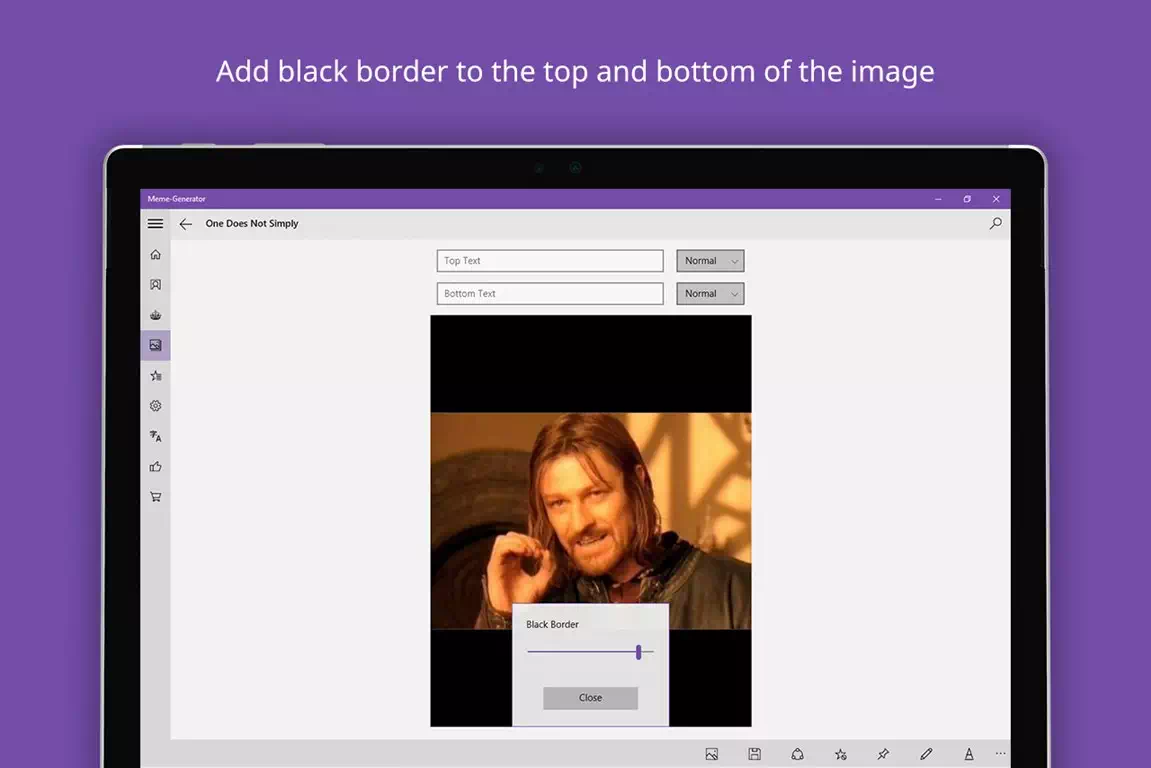
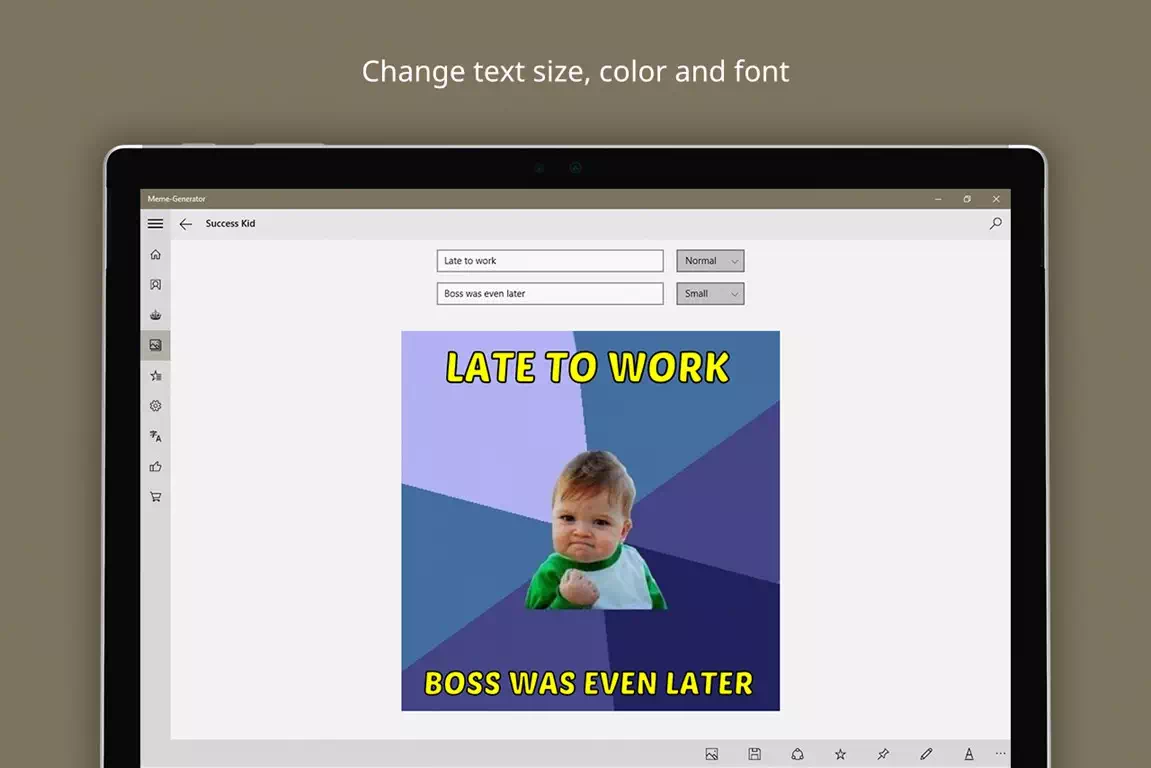
Meme-Generator provides many tools for editing and customizing memes, such as changing text color, font and size. Users can change the size and position of images on their memes, as well as add text to them. The app also has tools to customize the background of the meme, change the color saturation and brightness, and other features that help you create unique memes.
Meme template library
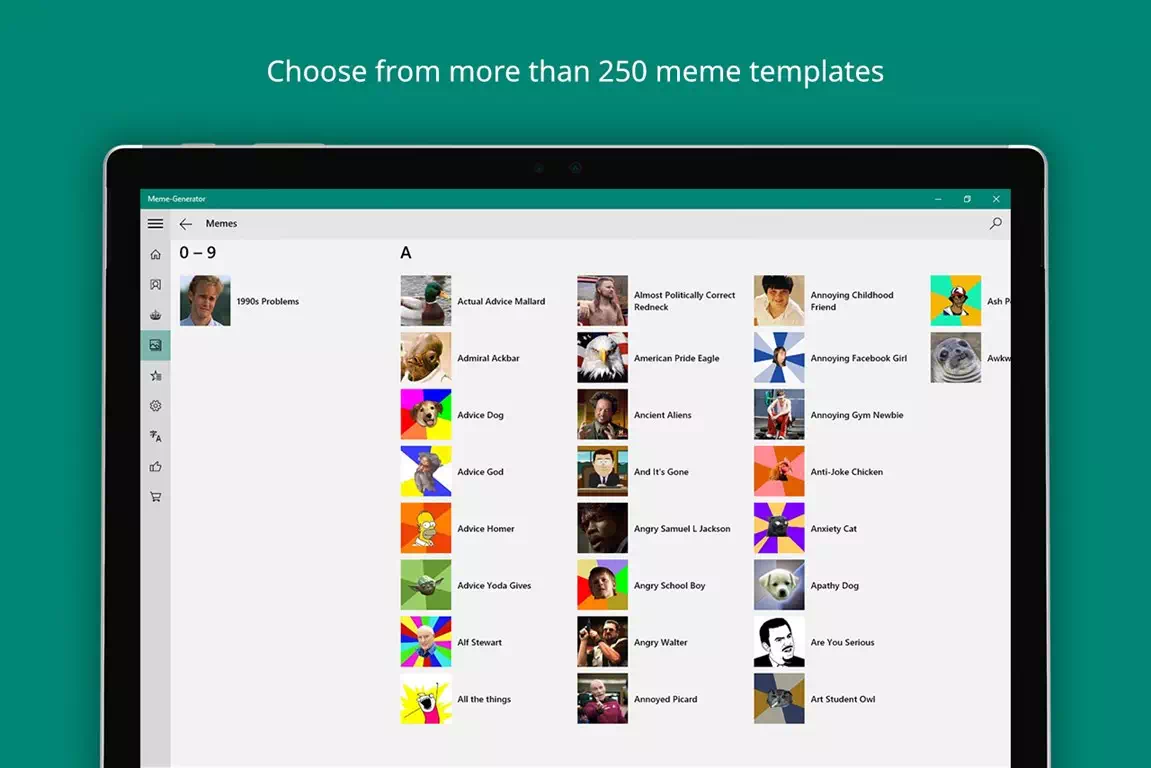
Meme-Generator has a large library of meme templates that you can use as the basis for creating your own memes. These templates contain iconic phrases and images that are widely used in memes. Some of these templates include “Welcome to the Internet”, “It’s Sparta!”, “Cool Johnny”, and many more.
Create your own memes
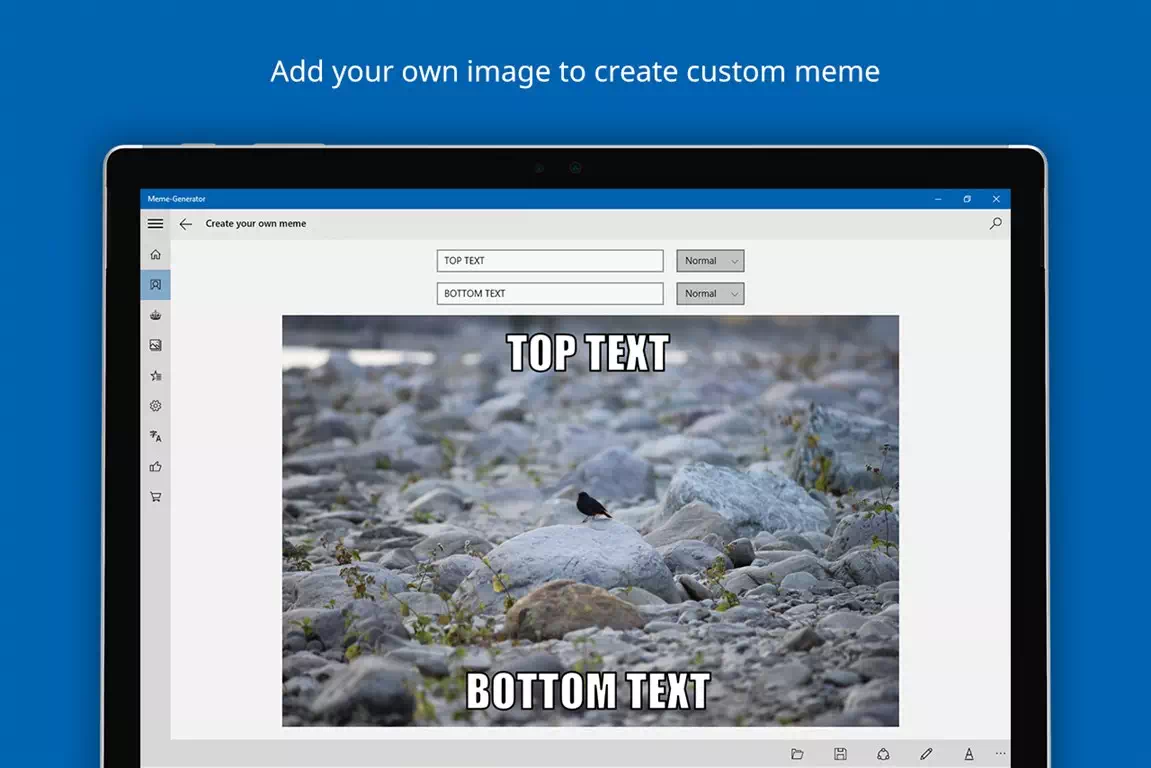
Creating your own memes with Meme-Generator can be easy and fun. Users can upload their own images and add text to them. In addition, they can use tools to settings text and images to create a unique meme. These memes can be saved to your computer or easily shared on social networks.
In conclusion, Meme-Generator is a handy and free application that allows users to create and customize memes with ease. With its meme template library and many editing tools, Meme-Generator is a great choice for those who want to create unique and funny memes.
Screenshots
Tags
Download
Here you can download the files to install and run the program, as well as go to the developer’s main site (if it is currently supported).
In order to install application, use the links below. Go to the download page from Microsoft and select Get in Store app. Install the app and run it on your device.
See also:

 Vector Graphic Editor: Dynamic Draw Flowchart ProgramAmong the many programs today, it is quite difficult to find a good option that satisfies all needs. While working or …
- What types of signal repeaters are there? Types and purposeRepeaters are signal transmission devices designed to amplify and retransmit radio signals between distant radio transmitters. They are divided into passive …
- Free program for burning CDs. Carbon CDOf course, the topic is gradually losing its relevance with the advent of electronic storage media, such as external SSD drives …


- What servers does CS 1.6 run on? Dedicated to the fansAmong online shooters, perhaps one of the most popular games remains Counter-Strike 1.6. And this is even despite the fact that …
- dll files missing? Here’s what to do!Dll files (dynamic link libraries) are important software components in Windows operating systems. They contain code and functions that can be …
- Tray programsPrograms running on a PC may be in the tray. More or less experienced users have probably heard about it. Tray …


